

Management
How to use the WhatsApp API cost calculator
See what data to gather, how to read the simulation and how to use the result to plan the budget for your WhatsApp operation.
Zapper Team
·
·
6 min of reading

The cost per message only makes sense when applied to a company's real volume. Zapper's WhatsApp API cost calculator turns that volume into a monthly estimate and helps managers evaluate scenarios before the invoice becomes a surprise.
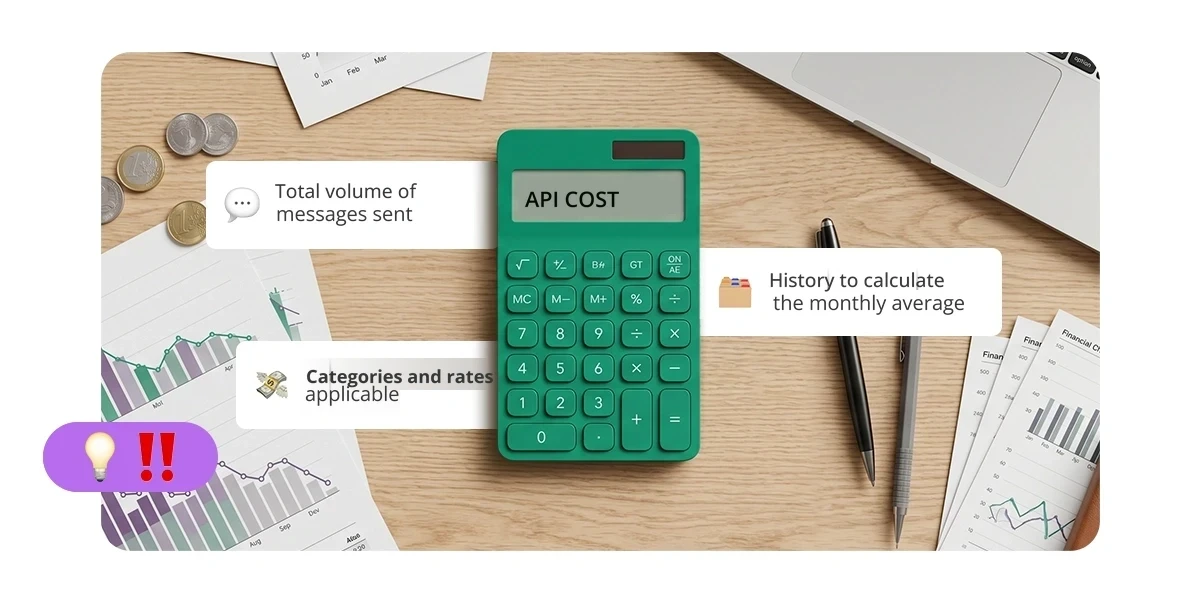
The starting point is the total number of messages the company sends via the WhatsApp API. Messages received from customers are left out. For a more accurate projection, sends should be organized by category and matched to the applicable rate.
In this guide, you'll see what data to gather, how to read the simulation and how to use the result to make budget and operations decisions. That way, the discussion stops being generic and reflects the size of your operation.
What the WhatsApp API cost calculator helps answer
The calculator takes the analysis out of the abstract. Instead of looking only at a unit price, the company can project what its monthly volume amounts to, compare scenarios and understand which variables deserve monitoring.
The change planned for October 1, 2026 is relevant context, but it isn't the center of the simulation. Marketing, utility and authentication messages already follow pricing rules. From that date on, free-form replies sent within the customer service window will also be charged per delivered message. In practice, the budget needs to account for every message the company sends via the API.
The documentation on free-form replies, the WhatsApp Business Platform pricing page and Meta's pricing update should be consulted to validate current categories, dates and amounts.
The estimate also helps you assess when the WhatsApp API makes sense for your operation and which scenarios call for a more detailed analysis.
What data you need to gather
Total volume sent by the company
Consider all messages the company sends via the WhatsApp API and that are delivered to the recipient, regardless of purpose. Don't include messages received from customers. This distinction prevents inflating the base used in the simulation.
If the company uses more than one official number, add up the volume of all of them. When there are relevant differences between teams, journeys or contact purposes, keep those splits so you can compare results later.
History for calculating the monthly average
Whenever possible, use at least 90 days of history. A longer period reduces distortions caused by campaigns, seasonality, payment dates or one-off support peaks. Add up the volume for the period and divide by the number of months analyzed.
Besides the average, record the highest and lowest volume of the period. The comparison shows whether the budget needs to work with a central scenario or reserve a margin for peak months.
Applicable categories and rates
Pricing can vary by category and by the recipient's market. That's why the final projection should separate marketing, utility, authentication and free-form replies within the customer service window. Applying a single price to the total volume works only as an initial simulation.
For a reference scenario in Brazil, this article uses R$ 0.035 per delivered message. Before approving the budget, check Meta's current price list and the provider's commercial terms.
How to read the simulation
Reference formula and example
Estimated monthly cost = sum of delivered messages by category × applicable rate
For an initial simulation: total messages sent by the company and delivered in the month × R$ 0.035.
The table shows how volume changes the order of magnitude of the estimate:
Messages per month | Calculation | Estimate |
|---|---|---|
10,000 | 10,000 × R$ 0.035 | R$ 350 |
50,000 | 50,000 × R$ 0.035 | R$ 1,750 |
100,000 | 100,000 × R$ 0.035 | R$ 3,500 |
500,000 | 500,000 × R$ 0.035 | R$ 17,500 |
Simulation using the reference value of R$ 0.035 per delivered message. The actual charge may vary depending on market, category, exchange rate, taxes and the provider's terms.
An operation that logged 360 thousand messages sent and delivered over the last 90 days has a monthly average of 120 thousand. Applying the simplified reference, the estimate is 120,000 × R$ 0.035, which comes to R$ 4,200 per month. For the final budget, replace the single average with the rates for each category.
Costs left out of the calculation
The simulation considers the charge for messages by Meta. Any provider fees, taxes, exchange rate and other contractual components must be added separately. This split avoids attributing all the variation in the invoice to message volume.
The result also doesn't measure efficiency on its own. A higher cost may come with growing demand, more complex journeys or seasonal campaigns. The estimate shows how much; the analysis of the operation explains why.
What volume reveals about the operation
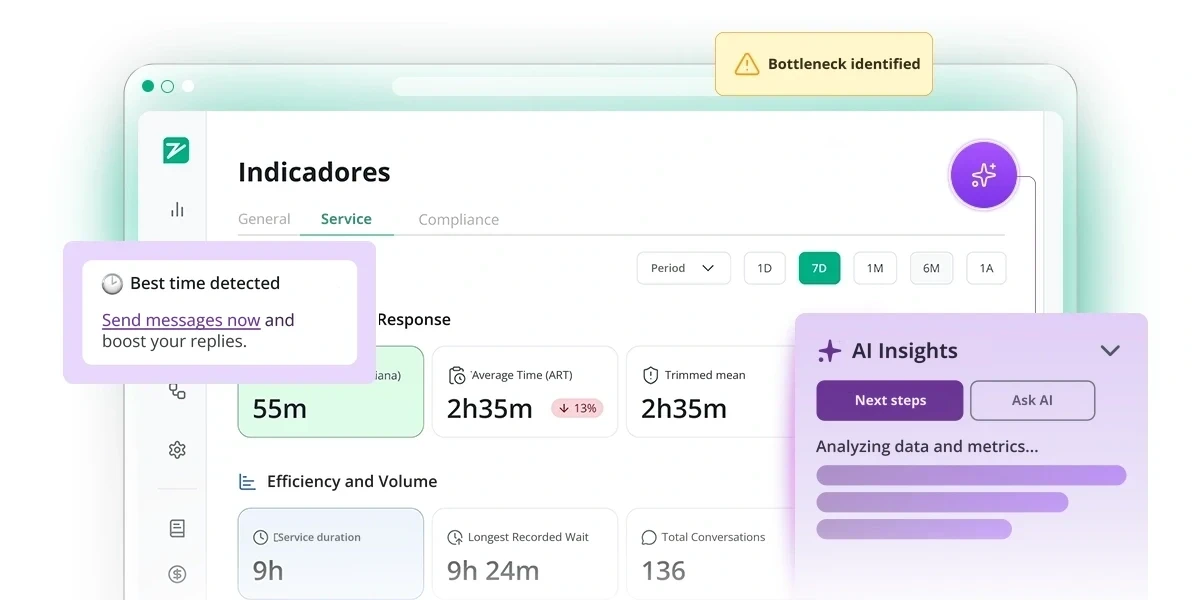
After calculating the impact, it's worth investigating the behavior that produced that number. The goal isn't to cut necessary messages, but to understand whether the volume is consistent with the service provided and the expected result.
A few indicators help put the estimate in context:
messages sent per completed conversation;
volume by team, purpose and stage of the journey;
repeated contacts about the same issue;
share of automatic replies in the total sent.
One journey may require more messages because it involves necessary checks or steps. Another may be fragmented by duplicate greetings, redundant confirmations or information sent in pieces. The opportunity lies in improving the clarity of communication and the design of service, without turning volume reduction into an isolated goal.
In campaigns, good practices for bulk messaging on business WhatsApp help maintain segmentation, relevance and consent. Intelligence applied to conversations can support the reading of patterns and improvement opportunities.
How to use the result in decision-making
Review scenarios and priorities
Compare the average scenario with the highest-volume months. Then look at which categories, teams and purposes concentrate the impact. This helps prioritize reviews without compromising messages that customers need.
It's also worth revisiting the estimate whenever there is a change in pricing, market served, volume, campaign or provider contract. The calculator doesn't end the analysis: it organizes the starting point for more predictable decisions.
Evaluate the structure of the operation
Zapper brings together official WhatsApp API numbers and regular WhatsApp Business app accounts in a hybrid model. Using these options together widens the alternatives available depending on purpose and context, without promising automatic channel selection.
With the estimate in hand, leadership can compare scenarios, plan the budget and decide which points deserve a closer look. The WhatsApp API cost calculator organizes the starting point for that planning. To evaluate how the hybrid model applies to your company's reality, talk to Zapper.

The cost per message only makes sense when applied to a company's real volume. Zapper's WhatsApp API cost calculator turns that volume into a monthly estimate and helps managers evaluate scenarios before the invoice becomes a surprise.
The starting point is the total number of messages the company sends via the WhatsApp API. Messages received from customers are left out. For a more accurate projection, sends should be organized by category and matched to the applicable rate.
In this guide, you'll see what data to gather, how to read the simulation and how to use the result to make budget and operations decisions. That way, the discussion stops being generic and reflects the size of your operation.
What the WhatsApp API cost calculator helps answer
The calculator takes the analysis out of the abstract. Instead of looking only at a unit price, the company can project what its monthly volume amounts to, compare scenarios and understand which variables deserve monitoring.
The change planned for October 1, 2026 is relevant context, but it isn't the center of the simulation. Marketing, utility and authentication messages already follow pricing rules. From that date on, free-form replies sent within the customer service window will also be charged per delivered message. In practice, the budget needs to account for every message the company sends via the API.
The documentation on free-form replies, the WhatsApp Business Platform pricing page and Meta's pricing update should be consulted to validate current categories, dates and amounts.
The estimate also helps you assess when the WhatsApp API makes sense for your operation and which scenarios call for a more detailed analysis.
What data you need to gather
Total volume sent by the company
Consider all messages the company sends via the WhatsApp API and that are delivered to the recipient, regardless of purpose. Don't include messages received from customers. This distinction prevents inflating the base used in the simulation.
If the company uses more than one official number, add up the volume of all of them. When there are relevant differences between teams, journeys or contact purposes, keep those splits so you can compare results later.
History for calculating the monthly average
Whenever possible, use at least 90 days of history. A longer period reduces distortions caused by campaigns, seasonality, payment dates or one-off support peaks. Add up the volume for the period and divide by the number of months analyzed.
Besides the average, record the highest and lowest volume of the period. The comparison shows whether the budget needs to work with a central scenario or reserve a margin for peak months.
Applicable categories and rates
Pricing can vary by category and by the recipient's market. That's why the final projection should separate marketing, utility, authentication and free-form replies within the customer service window. Applying a single price to the total volume works only as an initial simulation.
For a reference scenario in Brazil, this article uses R$ 0.035 per delivered message. Before approving the budget, check Meta's current price list and the provider's commercial terms.
How to read the simulation
Reference formula and example
Estimated monthly cost = sum of delivered messages by category × applicable rate
For an initial simulation: total messages sent by the company and delivered in the month × R$ 0.035.
The table shows how volume changes the order of magnitude of the estimate:
Messages per month | Calculation | Estimate |
|---|---|---|
10,000 | 10,000 × R$ 0.035 | R$ 350 |
50,000 | 50,000 × R$ 0.035 | R$ 1,750 |
100,000 | 100,000 × R$ 0.035 | R$ 3,500 |
500,000 | 500,000 × R$ 0.035 | R$ 17,500 |
Simulation using the reference value of R$ 0.035 per delivered message. The actual charge may vary depending on market, category, exchange rate, taxes and the provider's terms.
An operation that logged 360 thousand messages sent and delivered over the last 90 days has a monthly average of 120 thousand. Applying the simplified reference, the estimate is 120,000 × R$ 0.035, which comes to R$ 4,200 per month. For the final budget, replace the single average with the rates for each category.
Costs left out of the calculation
The simulation considers the charge for messages by Meta. Any provider fees, taxes, exchange rate and other contractual components must be added separately. This split avoids attributing all the variation in the invoice to message volume.
The result also doesn't measure efficiency on its own. A higher cost may come with growing demand, more complex journeys or seasonal campaigns. The estimate shows how much; the analysis of the operation explains why.
What volume reveals about the operation
After calculating the impact, it's worth investigating the behavior that produced that number. The goal isn't to cut necessary messages, but to understand whether the volume is consistent with the service provided and the expected result.
A few indicators help put the estimate in context:
messages sent per completed conversation;
volume by team, purpose and stage of the journey;
repeated contacts about the same issue;
share of automatic replies in the total sent.
One journey may require more messages because it involves necessary checks or steps. Another may be fragmented by duplicate greetings, redundant confirmations or information sent in pieces. The opportunity lies in improving the clarity of communication and the design of service, without turning volume reduction into an isolated goal.
In campaigns, good practices for bulk messaging on business WhatsApp help maintain segmentation, relevance and consent. Intelligence applied to conversations can support the reading of patterns and improvement opportunities.
How to use the result in decision-making
Review scenarios and priorities
Compare the average scenario with the highest-volume months. Then look at which categories, teams and purposes concentrate the impact. This helps prioritize reviews without compromising messages that customers need.
It's also worth revisiting the estimate whenever there is a change in pricing, market served, volume, campaign or provider contract. The calculator doesn't end the analysis: it organizes the starting point for more predictable decisions.
Evaluate the structure of the operation
Zapper brings together official WhatsApp API numbers and regular WhatsApp Business app accounts in a hybrid model. Using these options together widens the alternatives available depending on purpose and context, without promising automatic channel selection.
With the estimate in hand, leadership can compare scenarios, plan the budget and decide which points deserve a closer look. The WhatsApp API cost calculator organizes the starting point for that planning. To evaluate how the hybrid model applies to your company's reality, talk to Zapper.

